
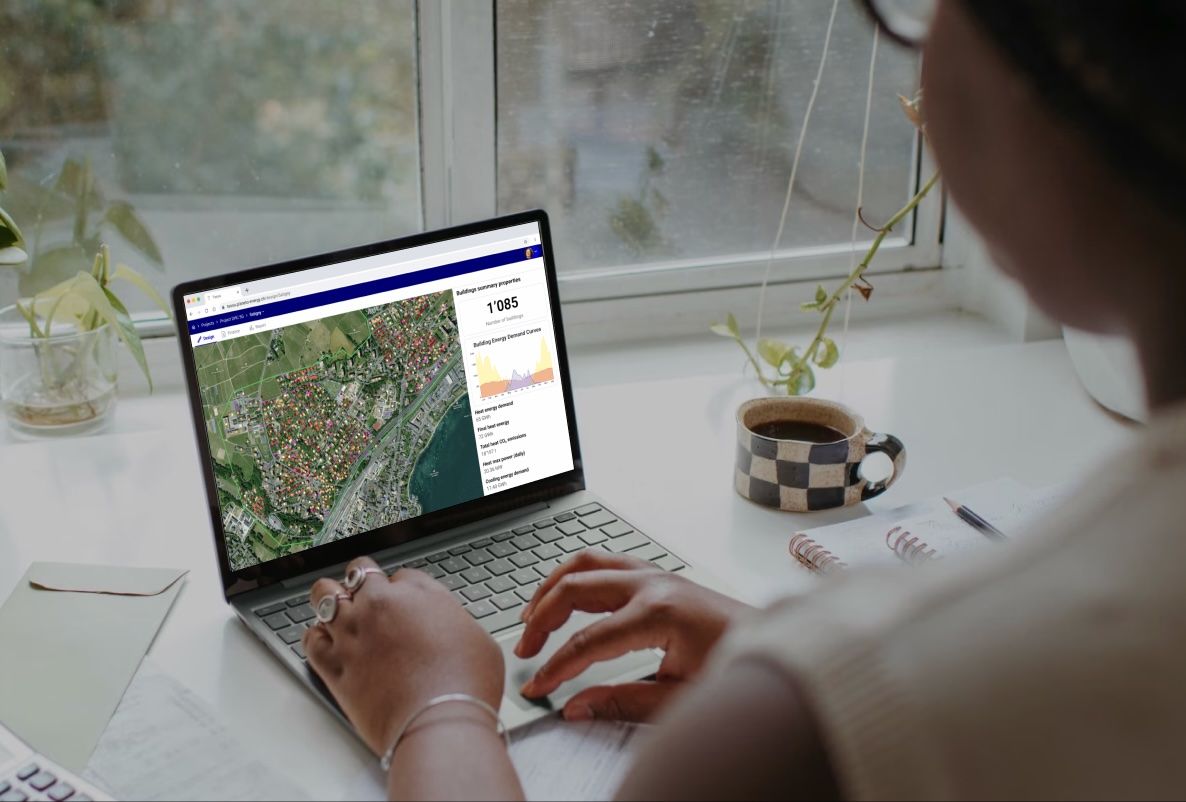
TESSA is Planeto's cloud platform for planning and optimising district heating and cooling networks, shallow geothermal fields and building-level energy systems, from first screening to detailed design.
TESSA now comes with its own MCP server, so the AI assistant your team already uses can work directly with your TESSA projects.
What is MCP?
The Model Context Protocol (MCP) is an open standard that lets AI assistants connect to external software in a consistent way. Think of it as a universal plug: a tool publishes an MCP server that describes what it can do, and any assistant that supports MCP can discover those capabilities and use them on your behalf.
Instead of copying numbers out of one application and pasting them into a chat window, you ask the assistant to do the work, and it calls the right tools in the application itself.
Automate workflows and process results with any MCP-compatible AI tool
With the TESSA MCP server, any AI tool that supports MCP can:
- Automate workflows: create districts, select buildings, lay out and size networks, run simulations and compare scenarios, by describing what you want in plain language.
- Process results: read results from your real projects, compare variants and draft summaries from the actual model rather than an invented one.
There is nothing new to manage. The MCP server uses the same login as your regular TESSA account, and everything the assistant does is saved in, and visible from, your regular account. You can open the project in TESSA at any point to check, refine or continue the work by hand.
Connect your assistant
The TESSA MCP server is available at:
https://tessa.planeto-energy.ch/mcp
Add it as a custom MCP connector in your assistant, then sign in with your usual TESSA account when prompted. Setup guides for the most common assistants:
- Claude: add TESSA as a custom connector from the connector settings; see Anthropic's guide to custom connectors using remote MCP.
- ChatGPT: enable developer mode and add TESSA as a custom MCP connector; see OpenAI's guide to developer mode and MCP connectors.
- Microsoft Copilot: add TESSA as an MCP tool to your agent in Copilot Studio; see Microsoft's guide to connecting an agent to an existing MCP server.
- Mistral: add TESSA as a custom MCP connector in Le Chat; see Mistral's guide to MCP connectors.
Availability of custom connectors depends on your plan with each assistant provider, and some require an administrator to enable them. Any other assistant that supports remote MCP servers will work in the same way.
Want help getting set up, or ideas for what to automate first? Talk to our experts.